
What it does
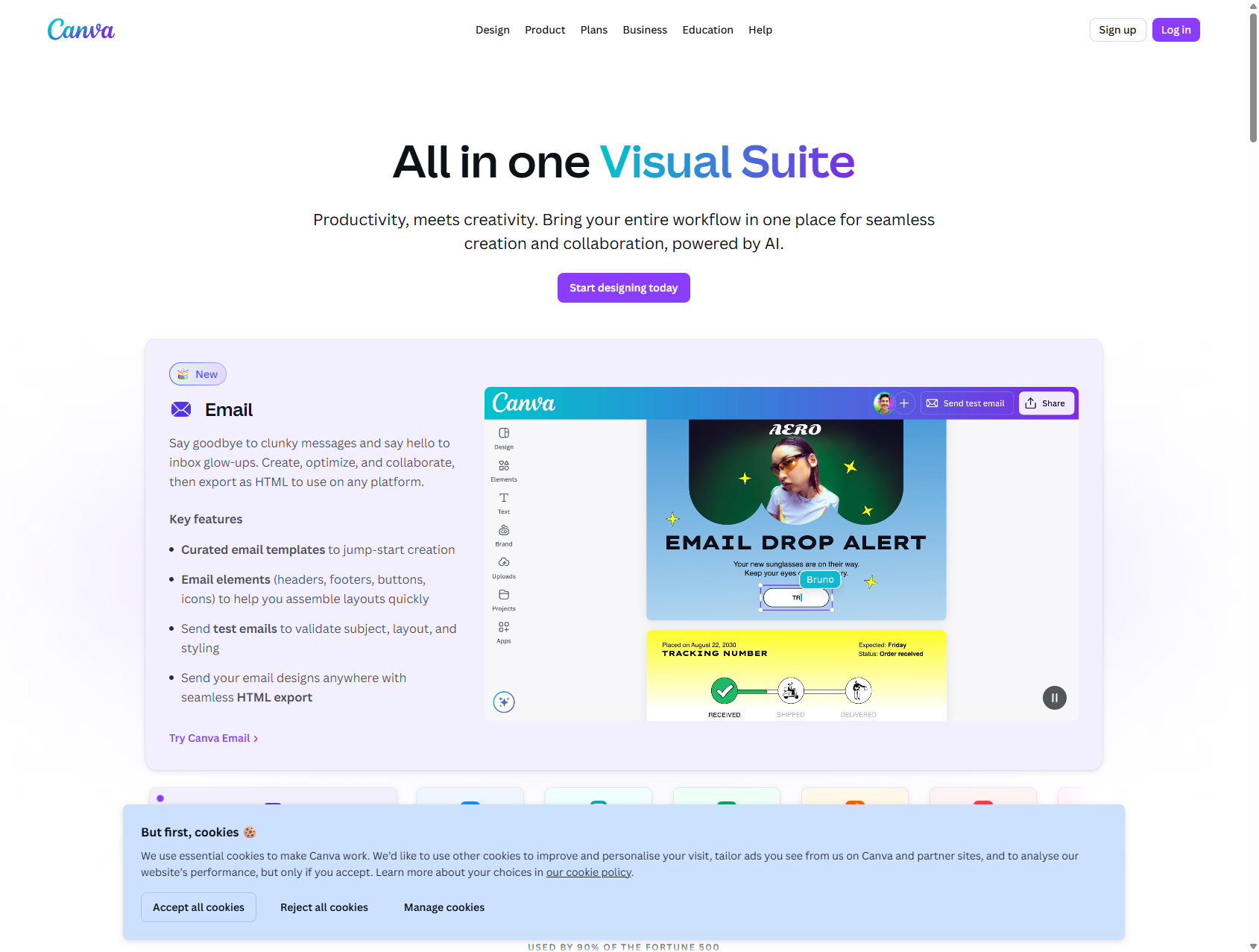
Canva has moved well beyond a quick social-post editor. It now works as a Visual Suite for presentations, docs, social, video, whiteboards, and team brand workflows, with AI built into the flow instead of hanging off the side as a gimmick.
Plans
Canva Free for core design work and collaboration
from $15/mo for Pro; Business - $20 per person/month
Access
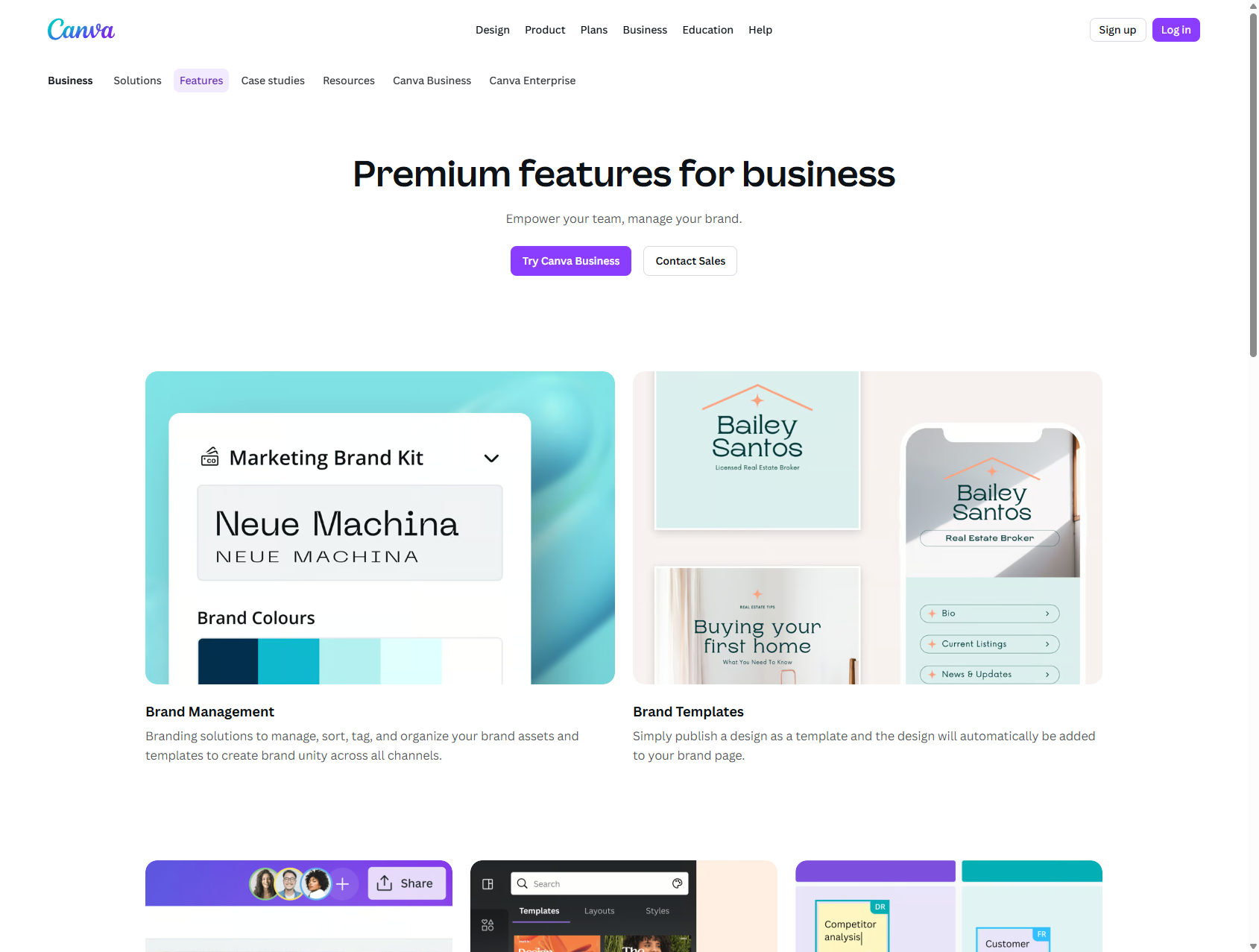
The current pricing surface shows Canva Free, Pro with a trial, and Canva Business as a separate team-focused layer. Business is positioned around brand management, approvals, and more structured collaboration.
Screenshots
Usage examples
From a short brief to the first deck
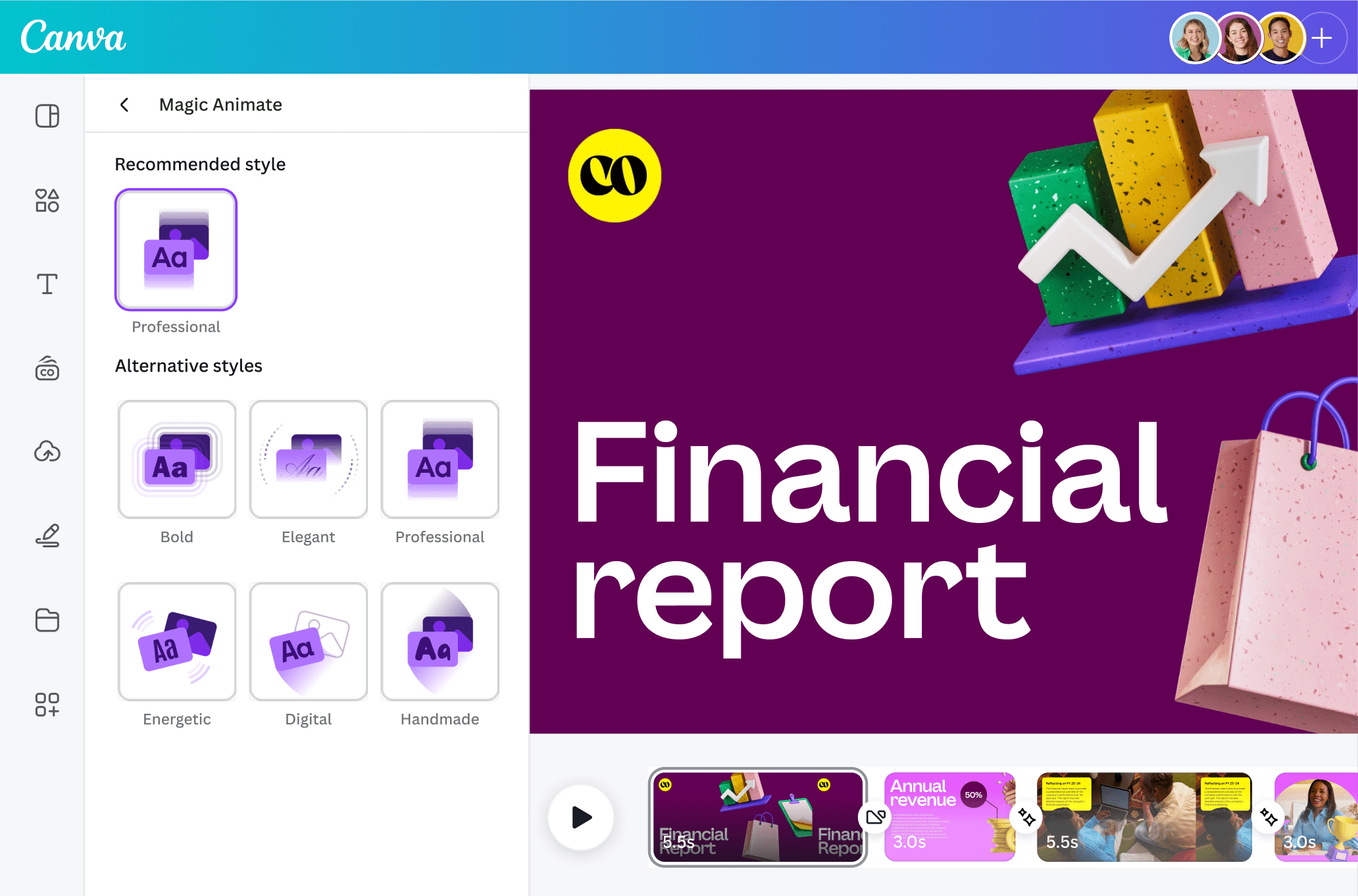
Canva is most useful when a team needs to move quickly from a rough outline to something real. The value is getting a usable first draft on the screen, then refining it instead of starting from zero.
DocumentationOne master layout across formats
A marketing team builds one base layout, then adapts it into posts, stories, banners, and slides. That is calmer and faster than rebuilding every format by hand.
DocumentationA shared brand kit for the team
Once design work lives across a team instead of one person, Canva starts to matter for templates, shared assets, and brand discipline. It is less about magic and more about reducing daily chaos.
DocumentationApplication scenarios
Marketing and sales can build assets in one place instead of passing files between a designer, slide decks, and social channels. In practice that often matters more than one extra standalone AI feature.
A small team uses shared brand kits and templates instead of old brandbook chaos. Canva helps here not as a toy for quick images, but as a practical visual system.