
What it does
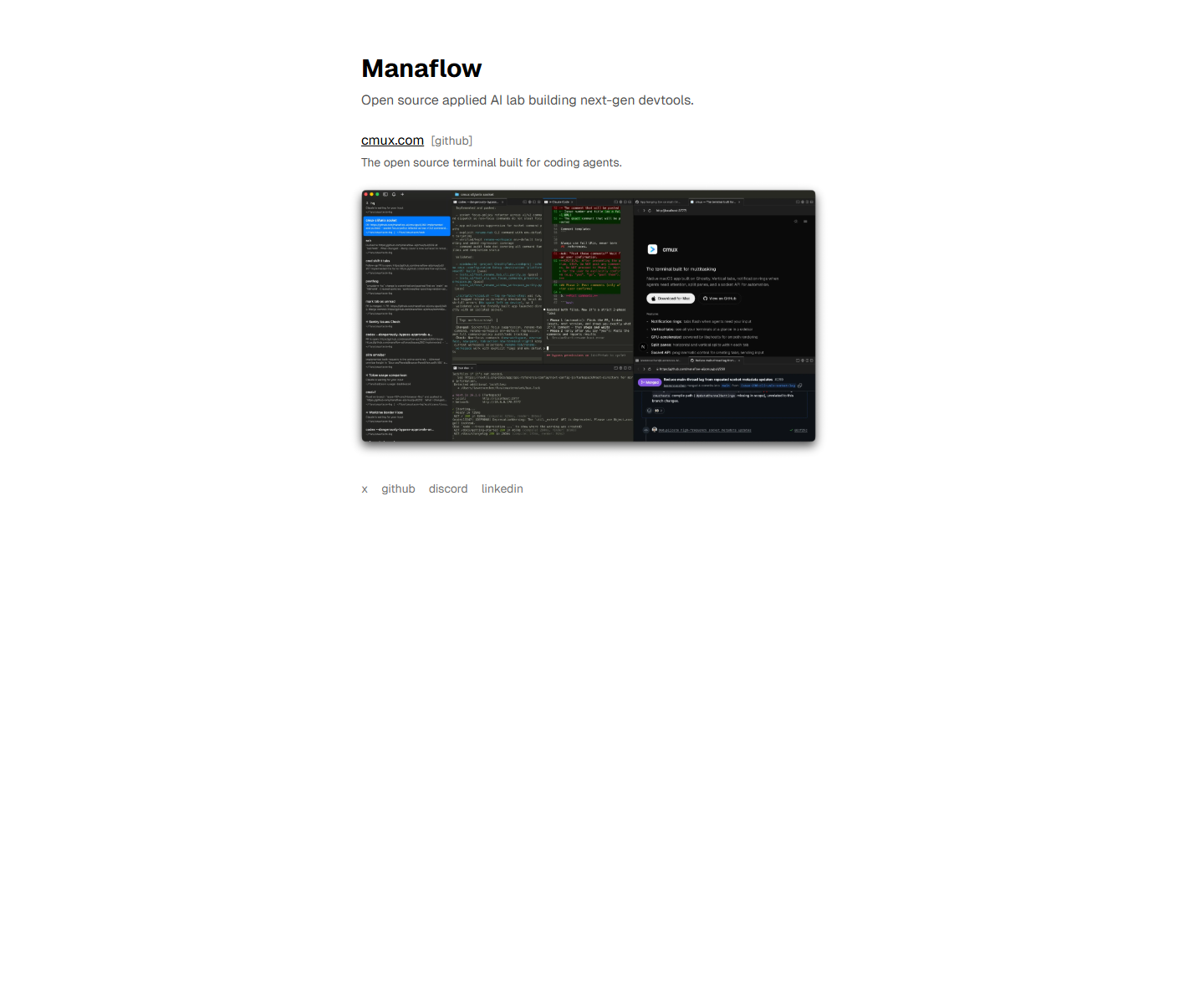
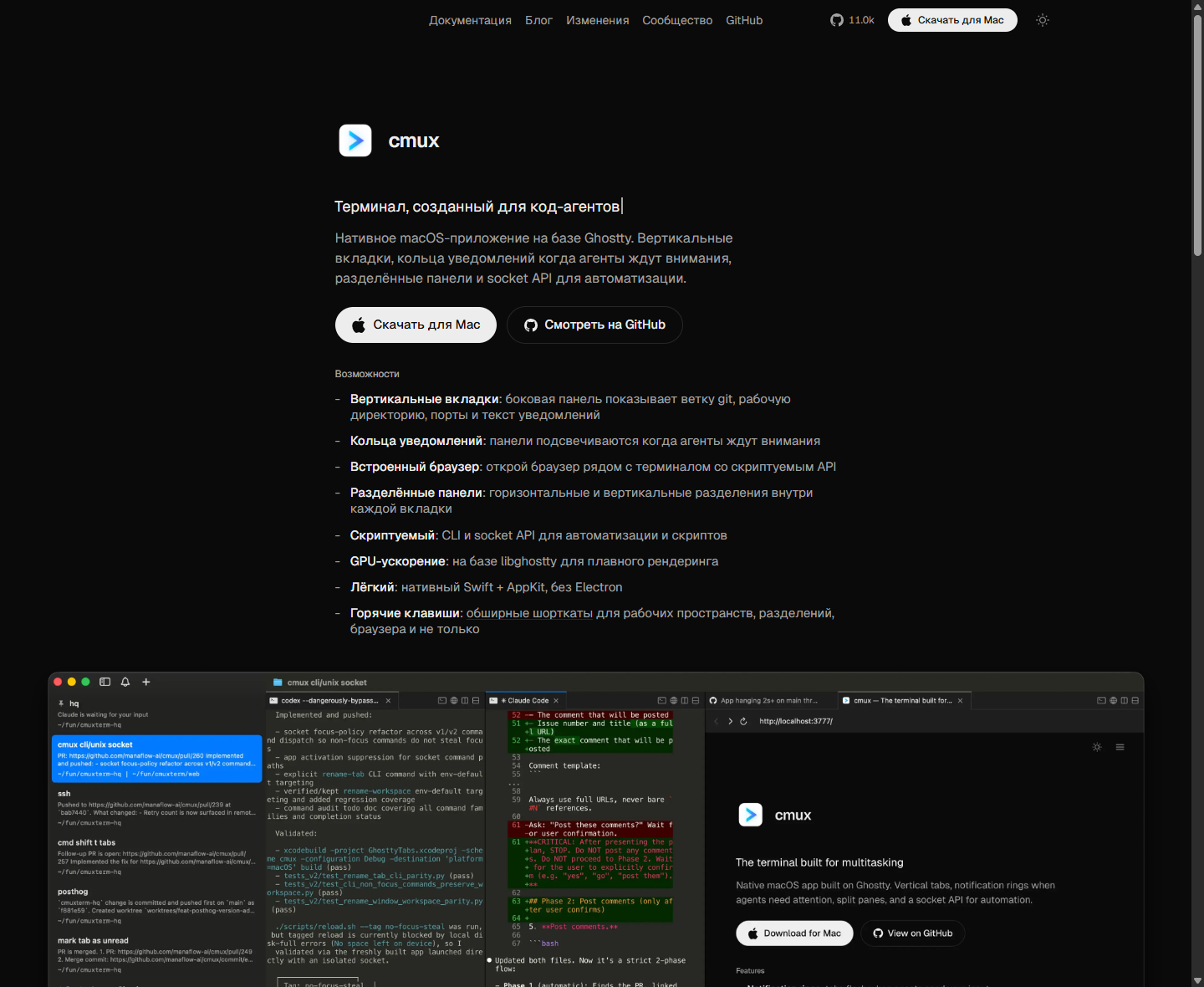
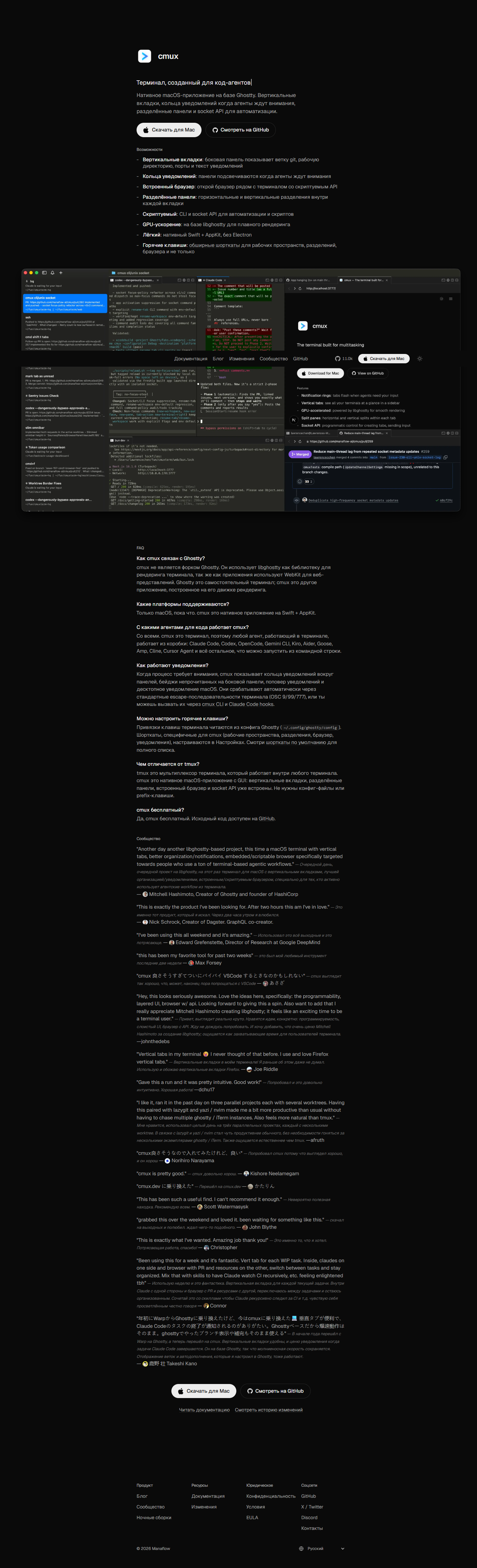
Manaflow's public surface no longer looks like an AI workflow automation SaaS. Right now it presents itself as an open-source applied AI lab, and the main homepage points to cmux - a native macOS terminal for coding agents with vertical tabs, notification rings, split panes, an in-app browser, and a socket API. Looking at the current public site honestly, cmux is the real product face of Manaflow today.
Plans
Free - open source with a free macOS download
Access
There is no public pricing page on the Manaflow site right now. The homepage points to cmux, and the cmux FAQ explicitly says the product is free, the source code is on GitHub, and the app can be downloaded for macOS.
Screenshots
Usage examples
Running multiple coding agents in parallel
cmux is built around vertical tabs and split panes. That is useful when you have Codex, Claude Code, Aider, or other terminal-based agents running across different tasks at the same time.
DocumentationKeeping terminal and browser in one window
One of the main features is the in-app browser beside the terminal. That helps when the agent needs to keep a PR, docs, CI, or an admin panel inside the same workspace.
DocumentationAutomation through the CLI and socket API
The product is not limited to the GUI. The site explicitly calls out the CLI and socket API so you can automate windows, notifications, and your own terminal workflows.
DocumentationApplication scenarios
Scenario: a developer runs several agentic tasks in parallel - code in one tab, tests in another, a PR and browser in a third - and does not want to juggle the setup across multiple terminal windows.
Scenario: a solo engineer replaces a tmux plus multi-terminal setup with cmux to switch faster between worktrees, coding agents, and support windows.