
What it does
Leonardo.ai works better as a creator platform than as a one-shot image generator. People use it when they need a real workflow: generate a base image, refine the scene in Canvas, clean up details in the editor, and keep a batch of assets in one visual direction. It is especially useful for concept art, game assets, marketing visuals, and fast motion drafts.
Plans
Free - 150 fast tokens per day
Essential starts at $12/month, Premium at $30/month, Ultimate at $60/month
Access
The free plan gives you 150 fast tokens per day. That is enough to try the core workflow, but batch work quickly pushes you toward a paid plan. There is also separate team pricing and API credit for integrations.
Screenshots
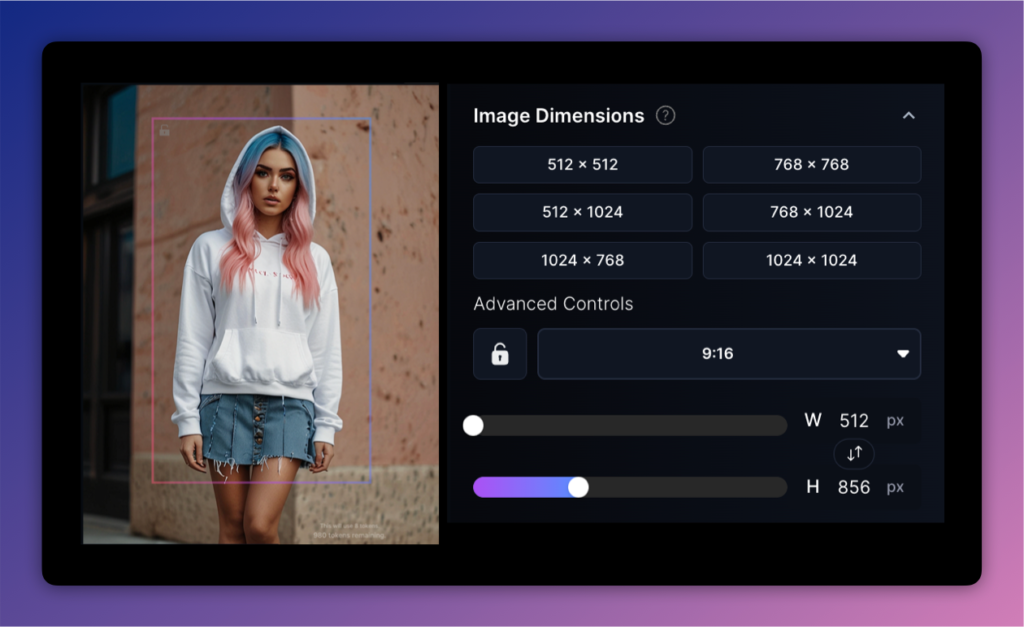
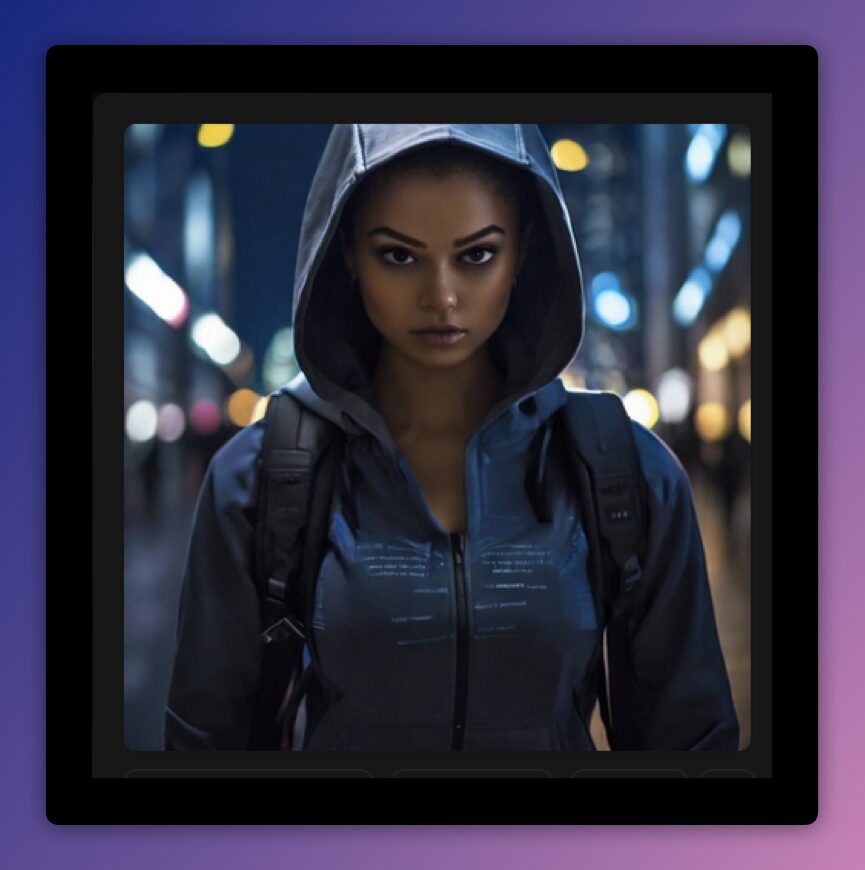
Usage examples
Mobile game assets
A team starts with a few references, tunes the generation, and produces a batch of items, icons, or backgrounds that stay in one visual direction. That's where Leonardo helps most: you don't have to rediscover the style from scratch on every image.
DocumentationPhoto editing via AI Canvas
You upload the base image, select an area, describe the change, and compare a few options right inside Canvas. That's more practical than regenerating the whole scene when only one part needs fixing.
DocumentationApplication scenarios
Scenario: an indie studio uses Leonardo for the first pass of game assets - icons, items, and backgrounds. The value is speed at the rough stage: the team can try directions faster before polishing the final art.
Scenario: a marketing team builds a series of related hero illustrations and promo visuals. Leonardo is useful when the job is not one lucky image, but several assets that need to feel close in style and format.